The Real Reason Your WiFi Is Slow (It's Not Your Router)
Why your network probably isn't broken at the layer you think it is.
You bought the mesh system. Three nodes. The reviews said it was great. Six months in, your video calls still freeze when you walk to the kitchen, your doorbell loads on a delay, and the camera in the garage drops every other day.
So you blame the router. Most people do. The router probably isn't the problem.
The router is probably fine
Most modern home routers, even the budget ones, can move data faster than your internet plan can deliver it. If you have a 500 Mbps plan and your router can push 1.5 Gbps, the router is not the bottleneck. It is almost never the bottleneck.
What is slow is the path between the router and the device asking for data. That path is WiFi. And WiFi has problems that no router upgrade fixes.
WiFi is a medium, and the medium is the problem
WiFi is radio. Every device on your network shares the same airwaves. They take turns. When two devices try to transmit at the same time, they collide, back off, and try again. The more devices you have, the more collisions, the more retries, the slower everything feels.
Your phone, laptop, smart TV, three streaming devices, ten smart bulbs, two doorbells, a garage camera, a thermostat, and however many smart plugs are all sharing one set of frequencies. They are all polite to each other. They are all slow because they have to be. It is the same crowding that makes smart speakers drop out at dinner, which we cover in Why Your Sonos Keeps Cutting Out.
Walls make it worse. Wood, drywall, and especially concrete absorb signal. By the time the signal reaches the room above the garage, half of it is gone. Your phone tries to compensate by retransmitting, which floods the network with retry packets, which slows everything else for everyone.
This is not a router problem. This is physics.
Mesh doesn't fix coverage. It moves it.
A mesh system is two or three WiFi access points that talk to each other. The promise is that you stop having dead zones, because there is always a node nearby. The reality is more complicated.
When you walk from the office to the kitchen, your phone has to decide whether to keep talking to the office node or hand off to the kitchen one. Most consumer mesh systems handle this badly. Your phone hesitates, clings to a weak signal, and only switches when it absolutely has to. By the time it does, the call has stuttered or the page has timed out.
The dead zones did not disappear. They moved to the edges between nodes.
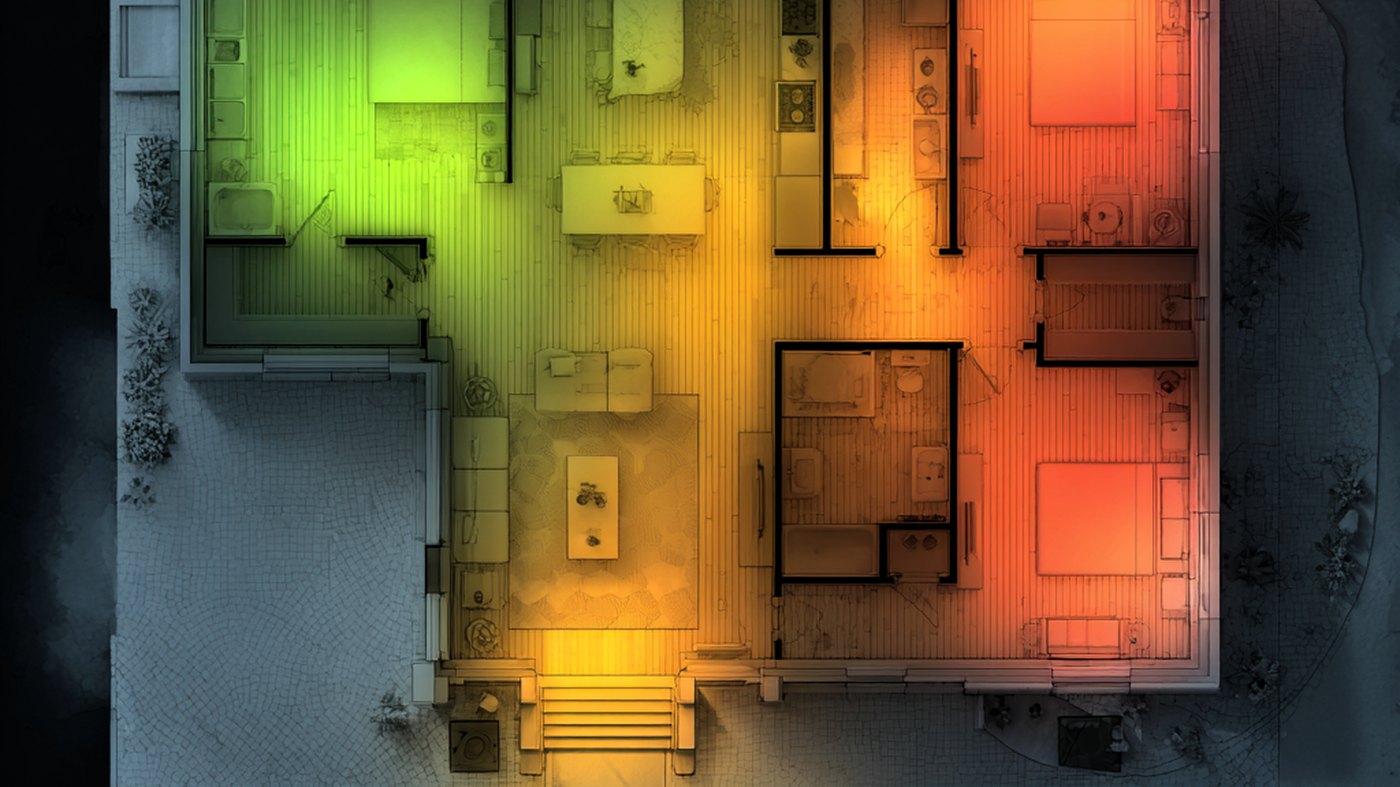
The backhaul tax
Here is the part nobody tells you when you buy a mesh kit. Those nodes need to talk to each other. If they are connected wirelessly, which is the default, they are using the same WiFi your devices are using. Your traffic is competing with the traffic between nodes.
In the worst case, a mesh node is rebroadcasting what it just heard. Same band. Same channel. Same airtime. Effective throughput in those rooms can be half of what your plan promises before any other device asks for anything.
This is the backhaul tax. It is the quiet reason mesh systems often feel barely better than the single router they replaced.
What actually fixes it
The fix is not a faster router. The fix is fewer devices on the air, and access points placed where they are needed, with wired connections back to the main router.
Wire the heaviest users first. The work-from-home setup. The smart TV. The smart-home hub. Anything that constantly moves a lot of data. Wired ethernet does not collide, does not retry, and does not care about walls. The devices you wire stop fighting for airtime, which means the devices that have to stay wireless get more of the air for themselves.
Then place wireless access points where coverage is actually weak. The room above the garage. The basement office. The backyard. Run a single ethernet cable to each one. Use power-over-ethernet so you do not need a separate outlet. Now you have multiple access points, each with its own wired path back to the router. Handoff works because the network was designed for it, not stitched together through it.
This is what wired networks have always done. It is what every office, hotel, and apartment building does, because it is the only thing that scales. Most homes never got wired because WiFi was sold as a replacement for it. WiFi was not a replacement. It was a layer that needs a wired foundation underneath to work.
Book a network audit.
Smartdwell schedules audits across Spokane, Coeur d'Alene, and Post Falls. A 90-minute home visit, a written report, and a clear plan for whatever you choose to install next. The $250 fee credits toward any install booked within 60 days.